
Share & manage files
Share a file
Section titled “Share a file”- From an open file: ⋯ → Share.
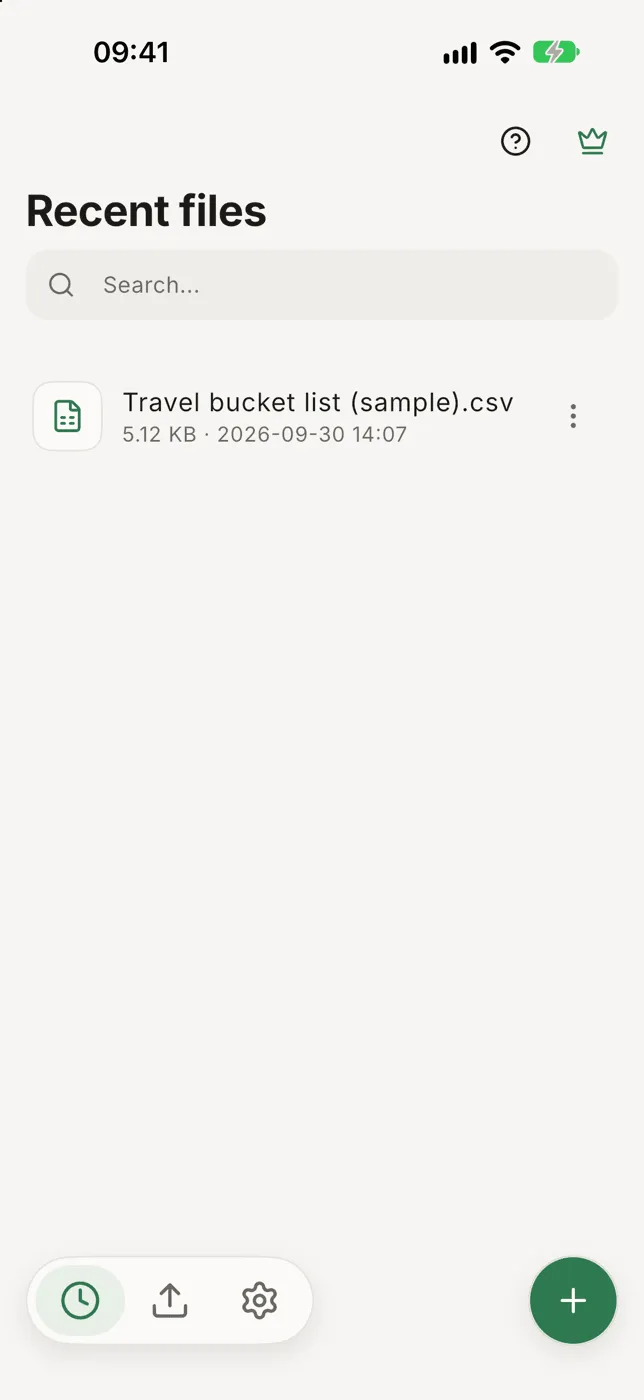
- From the home screen: tap ⋯ on a file → Share.
- Several at once: hold a file on the home screen to start selecting, tap the others, then Share or Email.
If a file has edits that aren’t written to it yet, Smart CSV asks first:
- Save & share writes your edits into the file, then shares it.
- Share without changes sends the file as it is, without your edits.
- Cancel sends nothing.
Rename
Section titled “Rename”- On the home screen: ⋯ on the file → Rename.
- In an open file: ⋯, then the pencil next to the file name.
A name that’s already taken is refused.
Remove
Section titled “Remove”⋯ on a file → Remove deletes Smart CSV’s copy, including edits that weren’t written. The original file is not touched.
Exported files
Section titled “Exported files”The middle tab at the bottom of the home screen, Exported files, lists the charts and PDFs you’ve exported. Tap one to open it or share it again.
Search your files
Section titled “Search your files”Type in the Search field at the top of the home screen to find a file by name.