
Search
- Tap the magnifier in the top bar. A search field takes the bar’s place.
- Type what you’re looking for. The table jumps to the first matching row, and the field shows how many rows match, for example 5 rows.
- Use ∧ and ∨ at the end of the bar to go to the previous and next match. Search on the keyboard also goes to the next one.
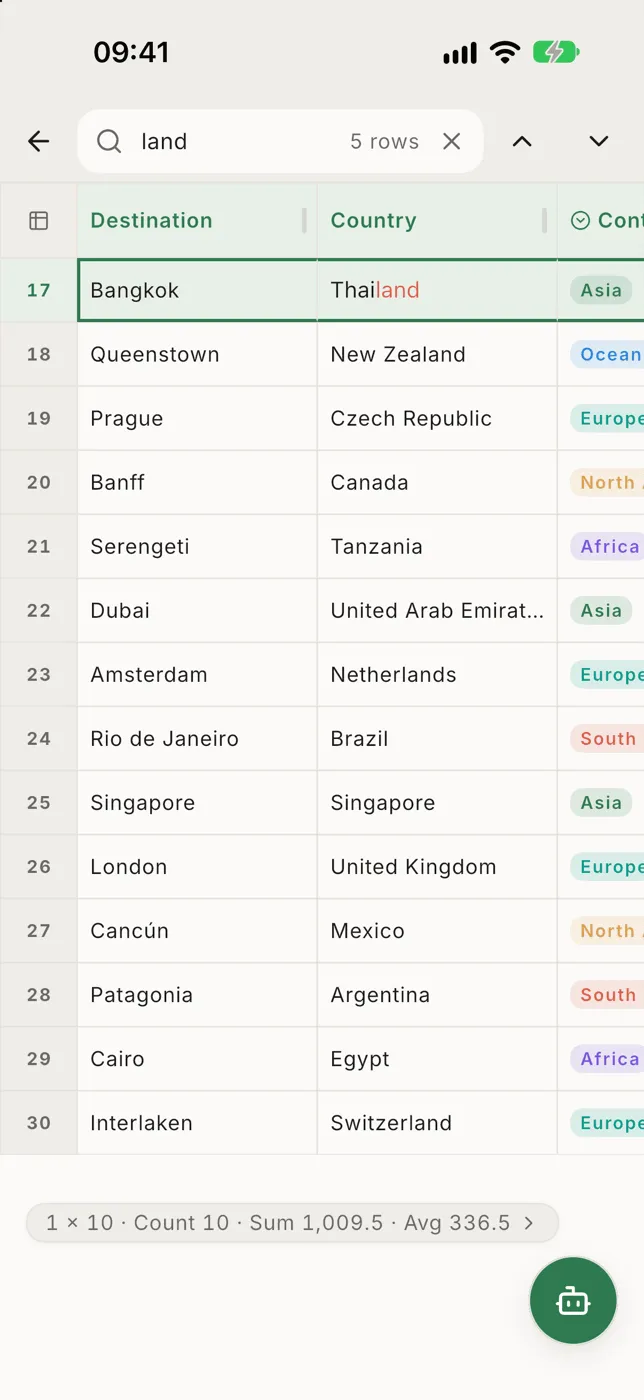
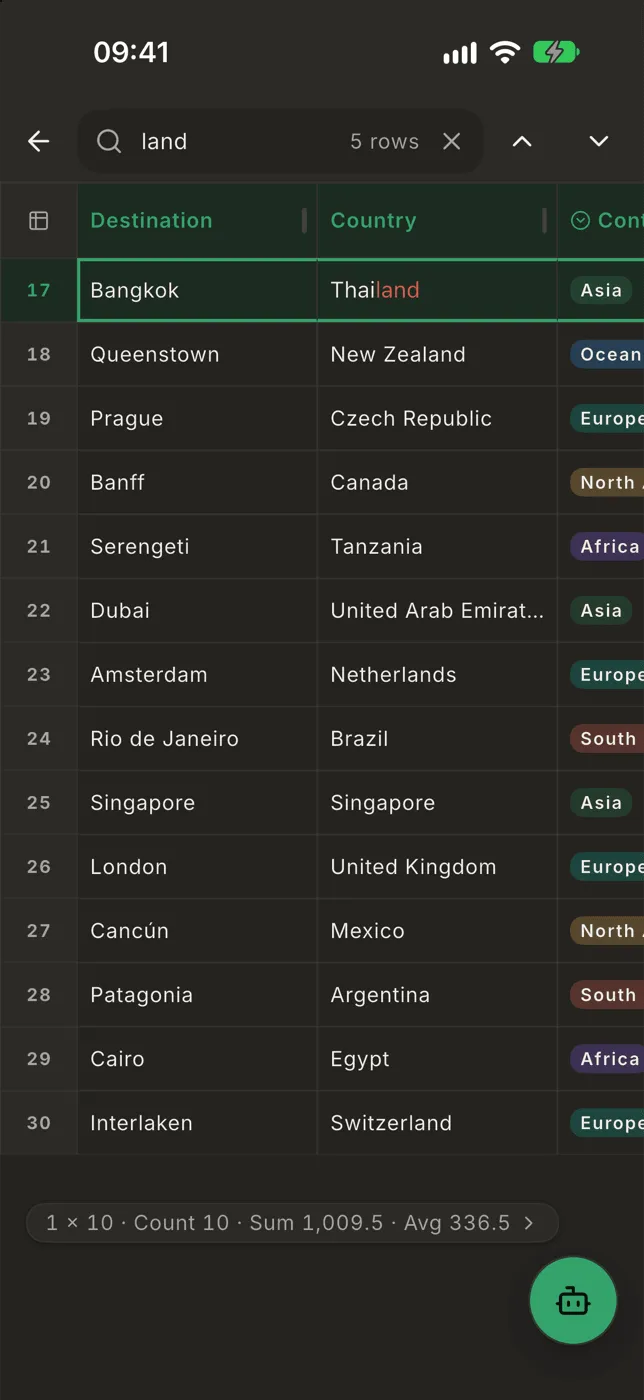
The search looks through the rows you can currently see, so an active filter narrows it.
- ✕ in the field clears what you typed.
- ←, or the back gesture, closes the search.
Open the search again and your last search is still there, ready to run again or type over.