
AI assistant
Ask for the rows you want in plain words, like trips in Europe under 2000 dollars or orders over 100 from last month. The assistant turns your question into a filter and shows you the result before it touches the table.
- Tap the round assistant button at the bottom right of the table.
- Type your question, or tap one of the suggestions under Try asking. Tap a column name above the box to insert it exactly.
- Tap send.
The answer comes back as a card: your question, how many rows match (4 of 30 rows), and the first few of those rows. Show SQL shows the query, and Open in SQL editor lets you change it by hand.
- Tap Apply to filter the table, or Edit question to try again.
A message offers Undo for a few seconds to put the previous filter back.
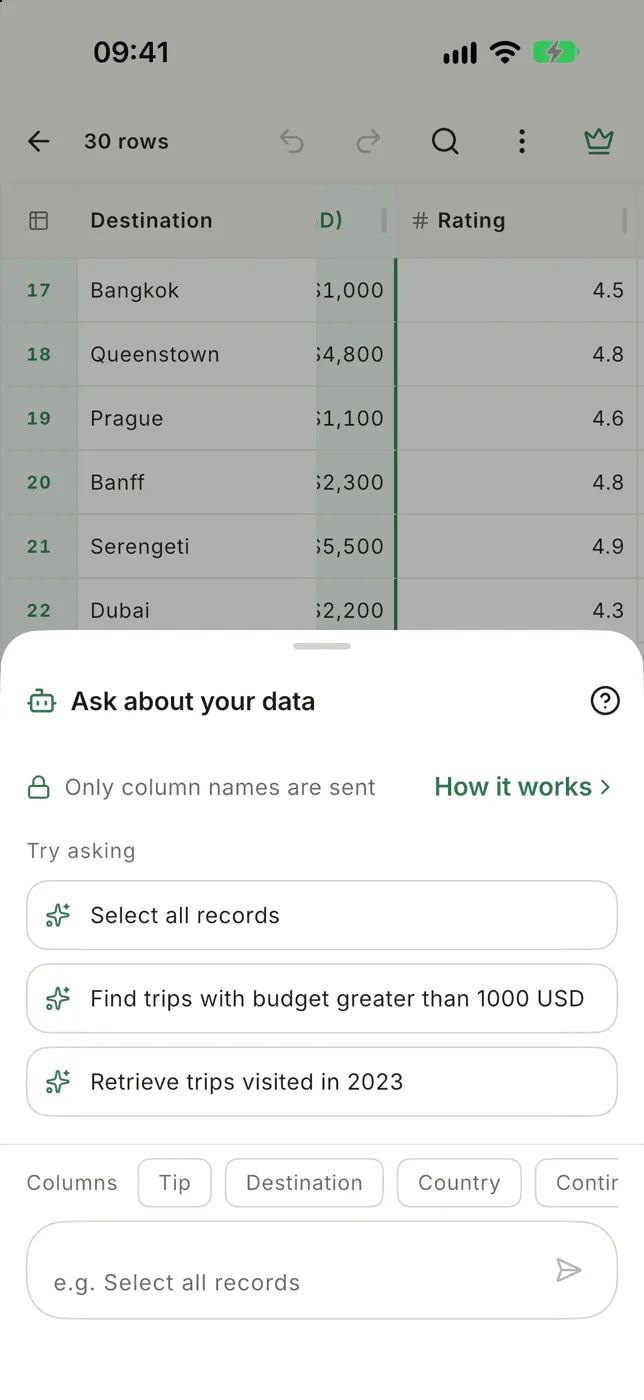
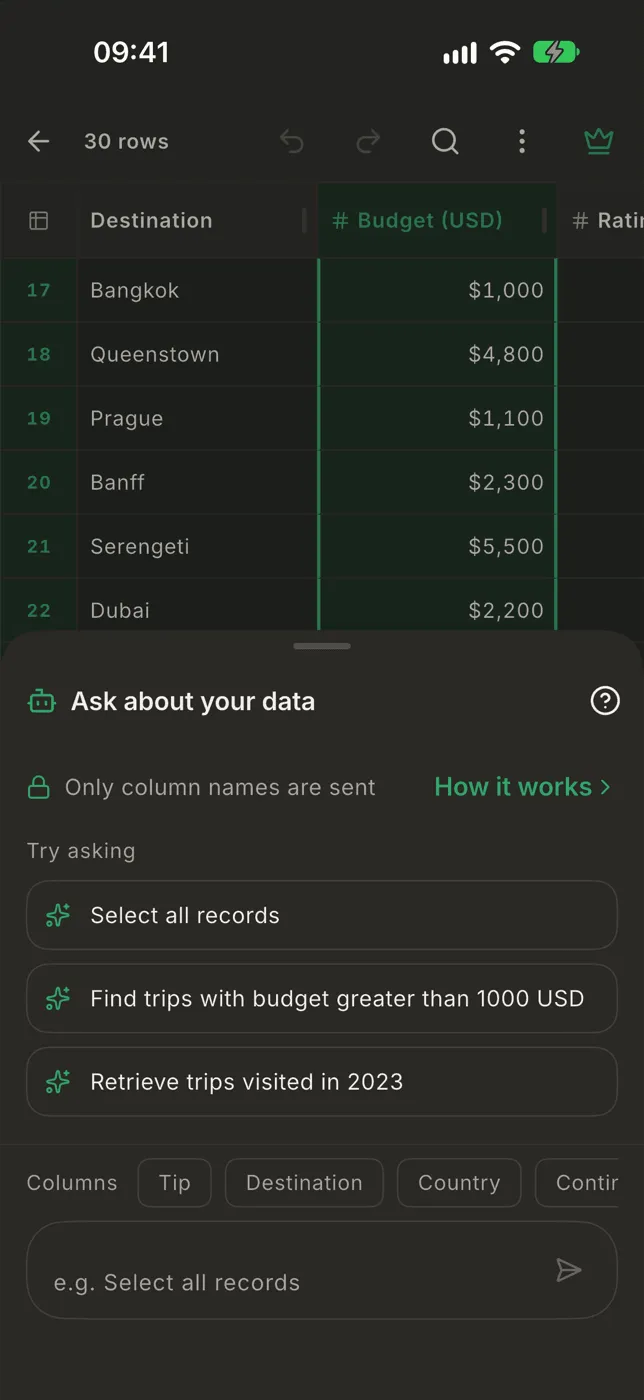
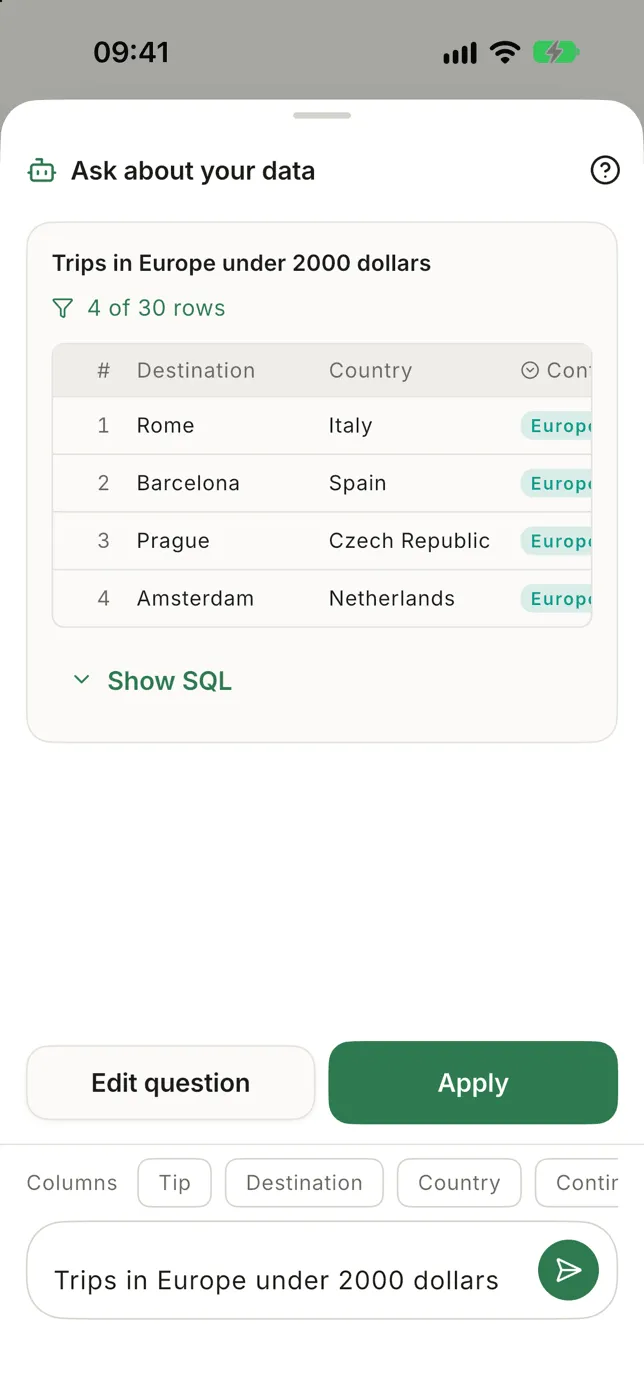

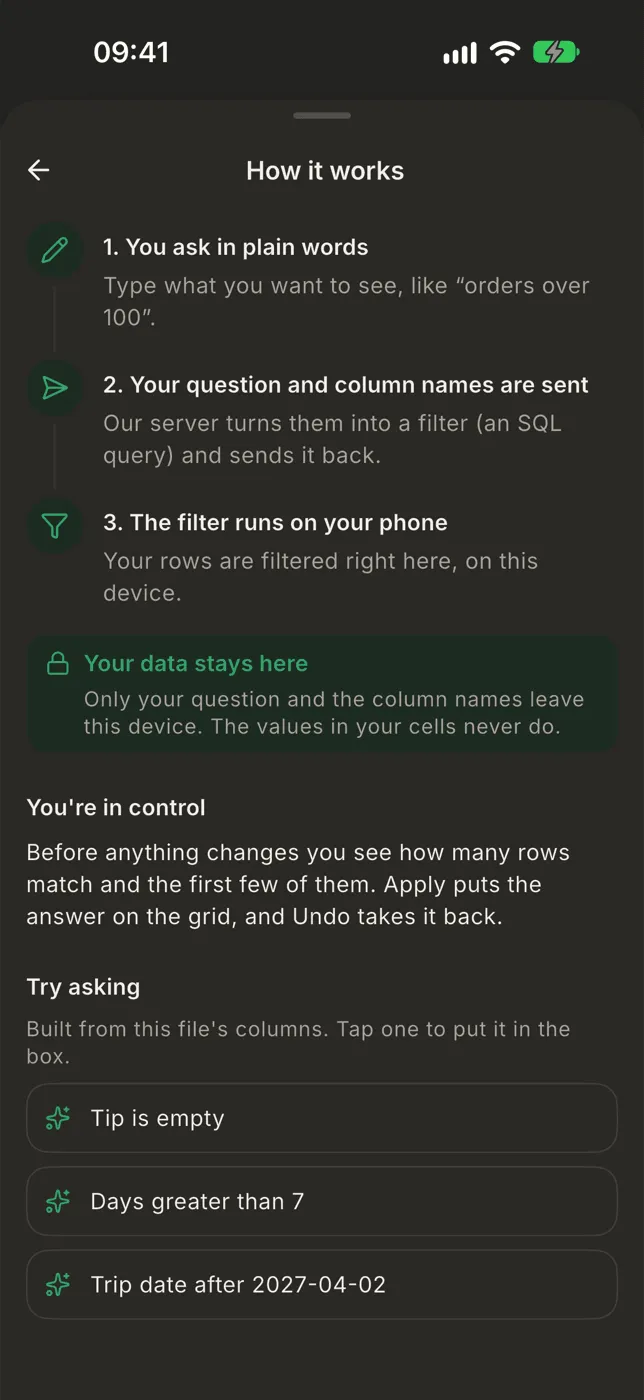
Your data stays on your phone
Section titled “Your data stays on your phone”Tap ? in the sheet for this explanation and more suggestions built from your own columns.
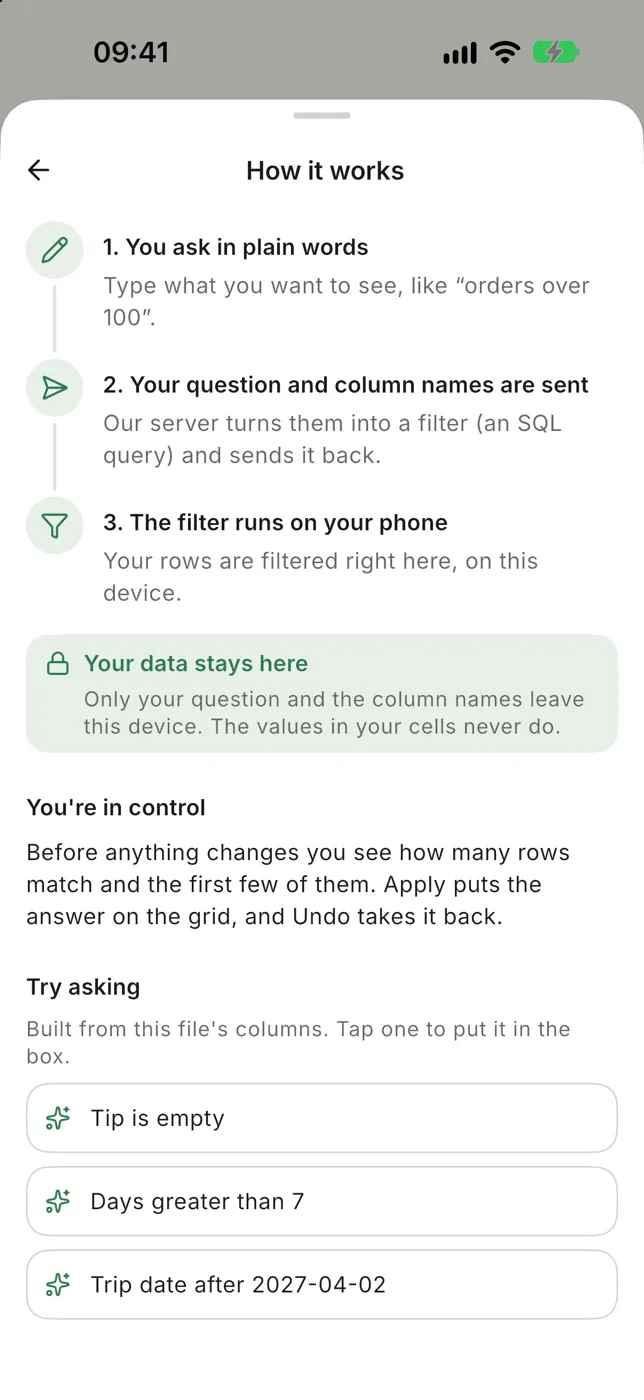
- Name the columns you mean; the column chips insert them exactly.
- The assistant finds and orders rows. It never changes your data.
- An answer replaces the filter you have on.
- If your columns are still called A, B, C, the assistant has nothing to go on. Tap Name columns, or Use row 1 as header if row 1 holds the names. See Files without a header.
Free and Pro
Section titled “Free and Pro”The free plan includes a limited number of questions. When they run out, the sheet offers an upgrade. Pro has no limit.