
Column types
A column can be told what its cells are, and then it works like it: a checkbox column shows boxes you tick, a number column sorts 9 before 10, a date column opens a calendar.
The types
Section titled “The types”| Type | You see | You edit with |
|---|---|---|
| Text | The text. Web addresses are tappable. | The keyboard |
| Number | Right aligned; optionally shown as 1,234.50, $1,234.50 or 25% |
A number keyboard |
| Checkbox | A box | One tap |
| Select | Coloured chips | A list: pick, search or add a choice |
| Date | The date as the file writes it | A calendar |
| Link | Underlined, with an open button (web, e-mail, phone) | The keyboard |
| Image | A thumbnail of a web image | The keyboard (paste the address) |
Set a type
Section titled “Set a type”Tap a column’s name, then Layout → Type, or + → Column type…. Pick a type and the sheet tells you how many values fit, for example 312 of 320 values fit, and shows a few that don’t. Nothing changes until you tap Apply.
With several columns selected, one type is applied to all of them.
You can also set types in Manage columns.
Options
Section titled “Options”- Number: Show as as in the file,
1,234.5, currency or percent, and how many decimals. Only the screen and PDFs change. - Checkbox: the words for ticked and unticked. Smart CSV reads them from
the column (
TRUE/FALSE,yes/no,1/0,x…) and writes the same words back. - Select: the choices. Tap one to change its colour, hold it to remove
it. Allow several choices is for cells like
red; green. - Date: how the file writes its dates, such as
dd/MM/yyyy. If day and month were guessed the wrong way round, fix it here.
Change format… rewrites every date in the column into another format,
for example 03/09/2026 into 2026-09-03. It says how many dates will
change first, and it can be undone.
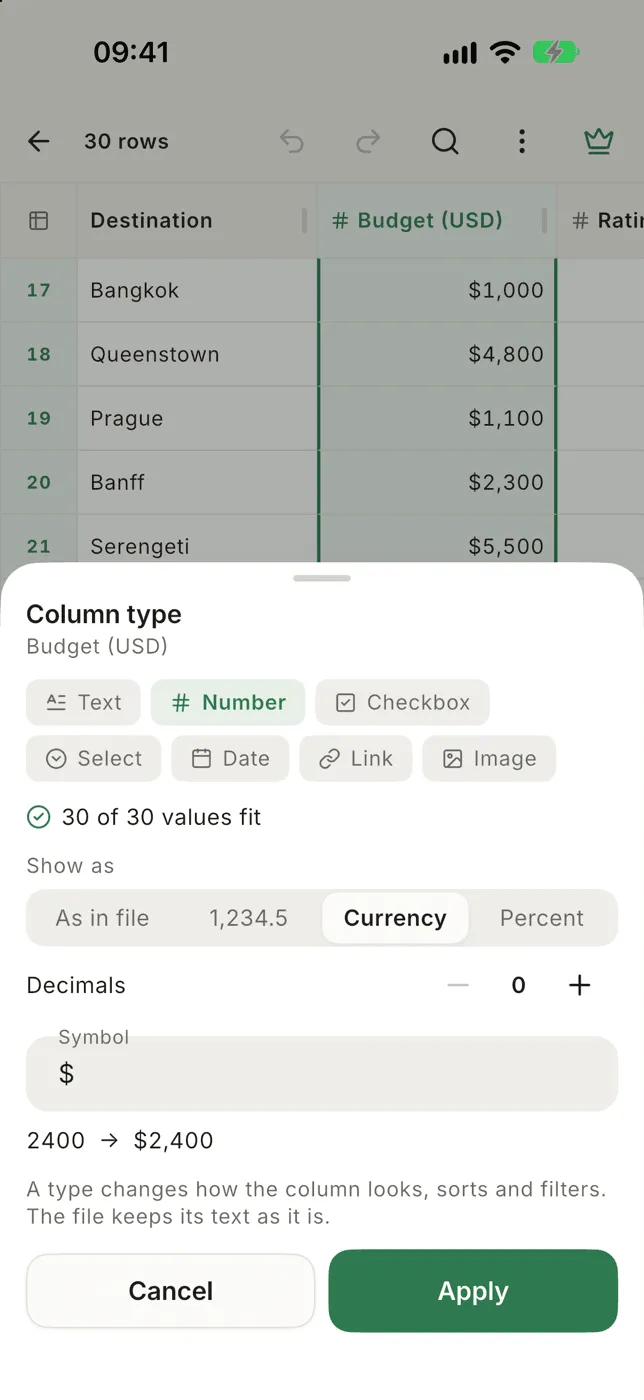
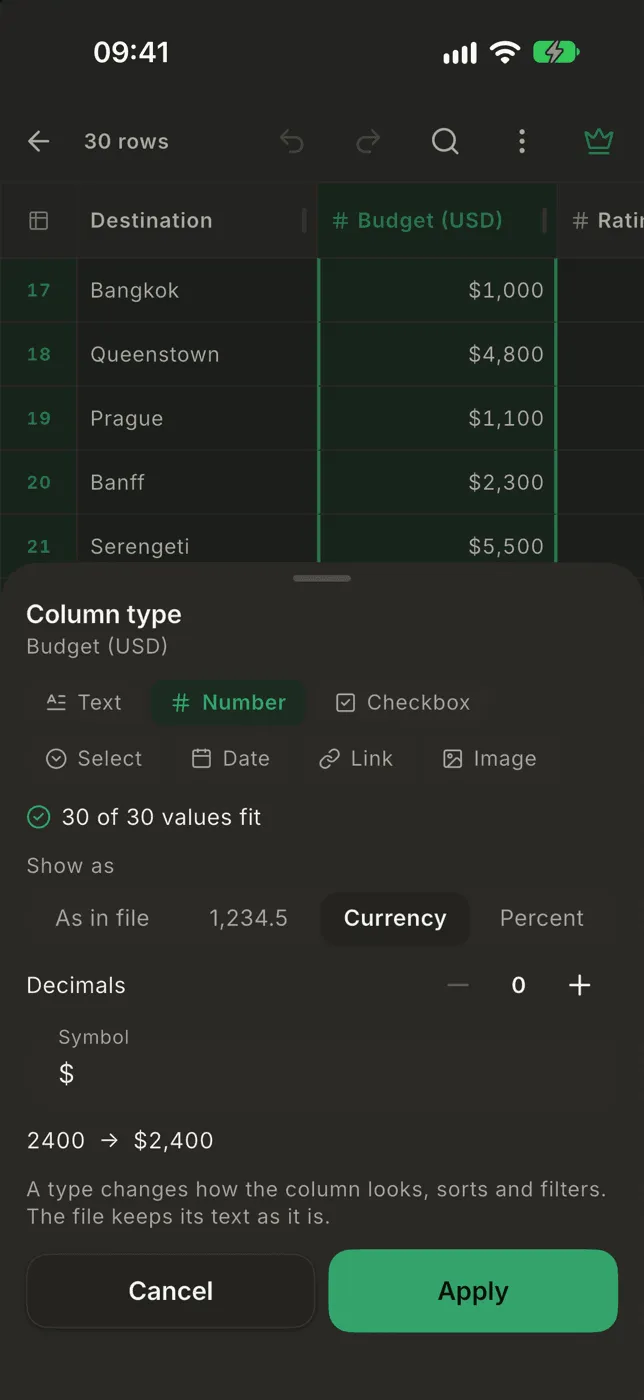
Values that don’t fit
Section titled “Values that don’t fit”A value that isn’t what its column says, like n/a in a number column, shows
as it is with a small amber mark in the corner.
Types set for you
Section titled “Types set for you”When a file opens, Smart CSV sets the types it can be sure of (numbers, checkboxes, dates and links) when every value fits. Open another file with the same columns and it starts with the types you chose before. A file without a header line doesn’t: A, B, C say nothing about what’s in them.
Sorting and filtering by type
Section titled “Sorting and filtering by type”- Number and date columns sort by value. Checkboxes sort ticked first.
- The filter offers greater than, less than and between on number and date columns, is checked on checkboxes, is in on selects.
- Your own SQL compares numbers by value too:
WHERE Amount > 100works on1,250.00.
All column types are free.